Deployments and Code Promotion

Learning objectives

  • How–and why–progressively promote code from your computer to the cloud
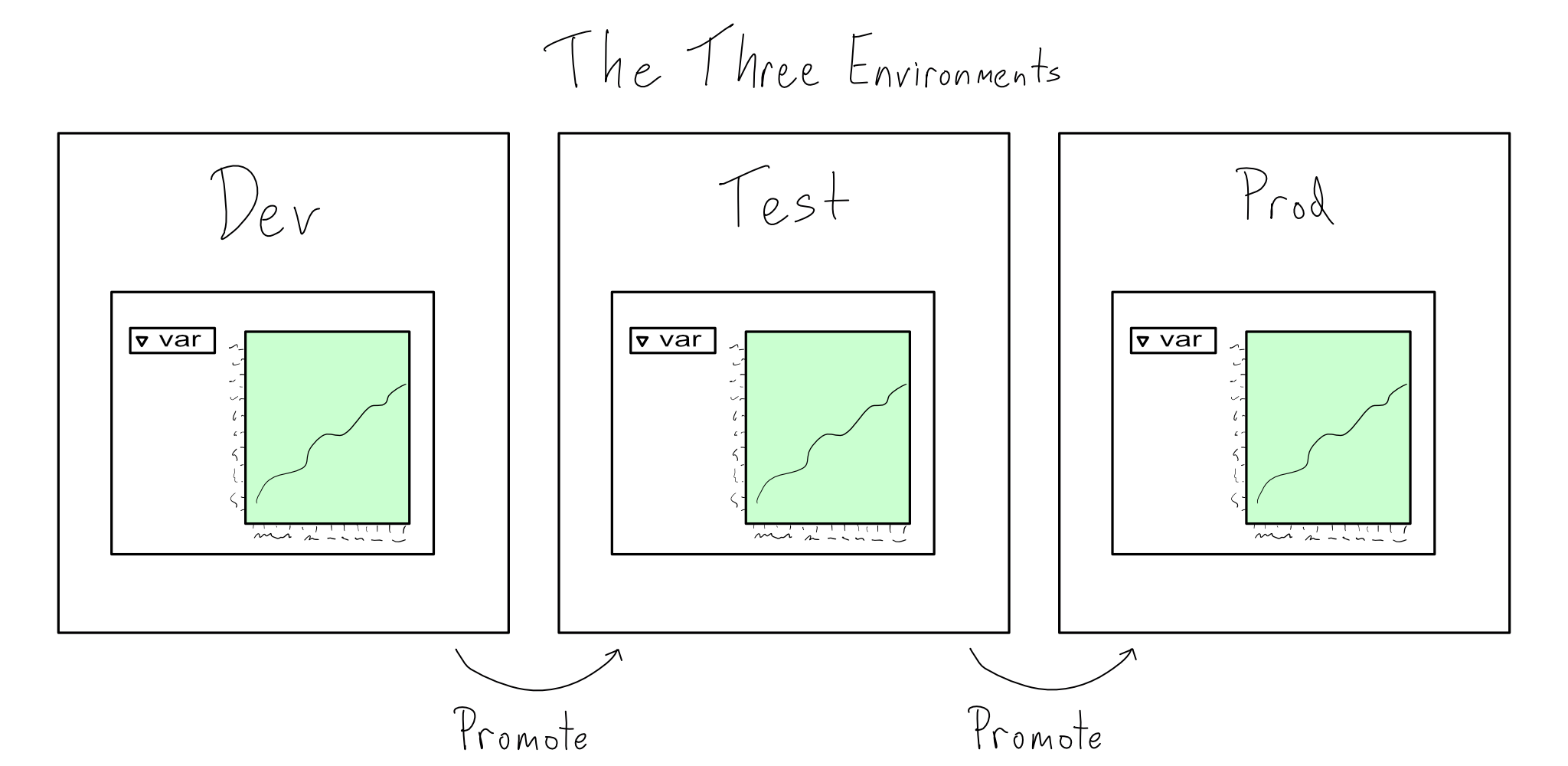
  • Why work in 3 environments
  • How deployment can be automated with GitHub Actions

CI/CD: Find out what it means to me

  • Centralized, version-controlled source code builds the project.
    • Not just on my machine.
    • No time-stamped versions.
    • No manual or non-code actions.
  • Regular and “right-sized” changes to the code.
    • No long-lived branches
    • No massive changes
  • Automated pre-deployment tests.
    • Ensure code meets standards (e.g., style, tests, etc.)
    • Break tests; not prod.
  • Automated deployment
    • No manually moving files
    • No making ad hoc changes as deployment is done

Three envs for developer-kings 👑👑👑

Dev

Where the messy magic happens

Test

Where testing and scruntinization happen

Prod

Where production code lives

One process to rule them all, and in the promotion bind them 💍

Environmental science: keeping envs separate but similar

Challenge

  • If I have 3 envs, how do I keep them in sync?
  • If only prod can touch real data, how can I be sure changes in dev and test work?

How

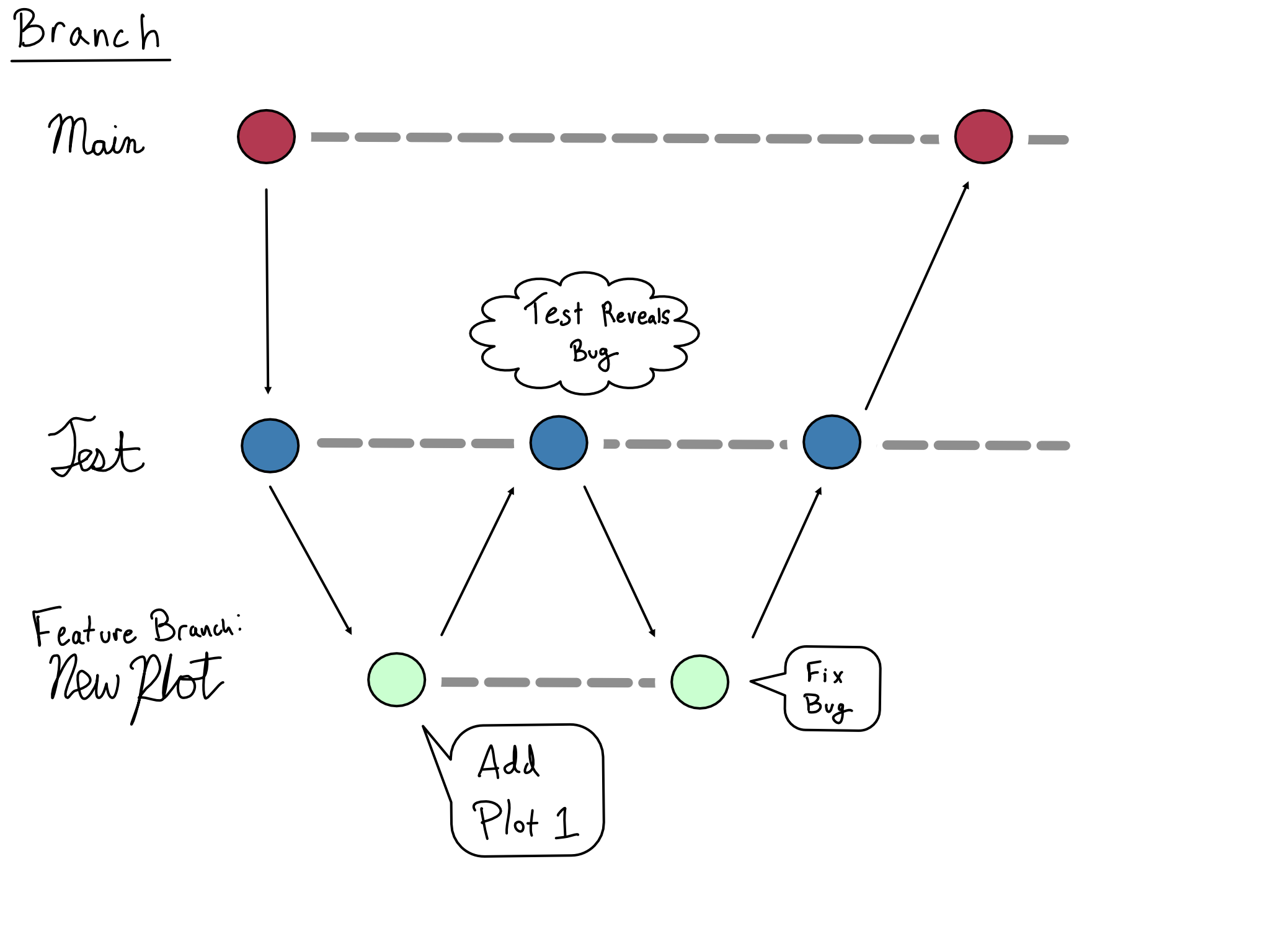
  • Branches
  • Configuration
  • Promotion

Branches

Configuration

Either hand-roll a config per env …

Sorry–too lazy

… or make an env-aware config

dev:
  write: false
  db-path: dev-db
prod:
  write: true
  db-path: prod-db

Promotion

  • Run tests
  • Review code
  • Merge

Deployment: we’ve got a runner 🏃‍♂️‍➡️

  • Event listener (on: ...)
  • Job(s)
    • In an env
      • OS (runs-on: ubuntu-latest)
      • Env vars (e.g. env: GITHUB_PAT: ${{ secrets.ACTIONS_DEPLOY_KEY }})
    • Consist of step(s)
      • Action (uses)
      • Command (sudo make-coffee)